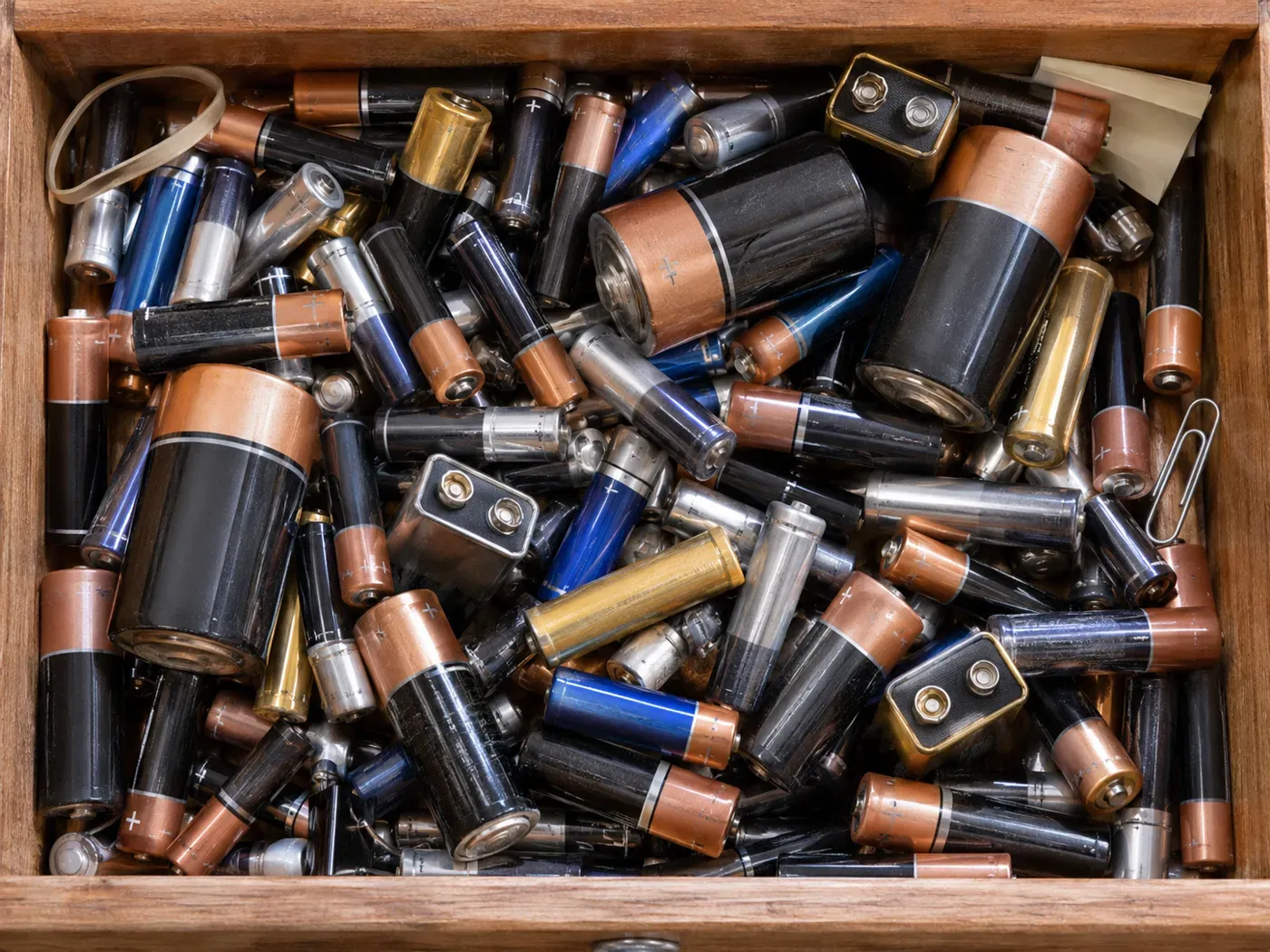
What are the signs a battery is running out?
A torch that dims, a remote that needs pressing twice, or a toy that slows down are the usual signs. Some devices also show a low battery warning. If a battery is leaking, swollen or crusted at the ends, do not test it. Wear gloves, bag it and recycle it.
How do you test a battery with a tester?
Put the battery in the matching slot, with plus to plus, and read the display. On the AKIELO+ Digital Battery Tester the scale is colour coded: green means good, yellow means weak, and red means replace. It is powered by the battery you are testing, so it never needs a battery of its own.
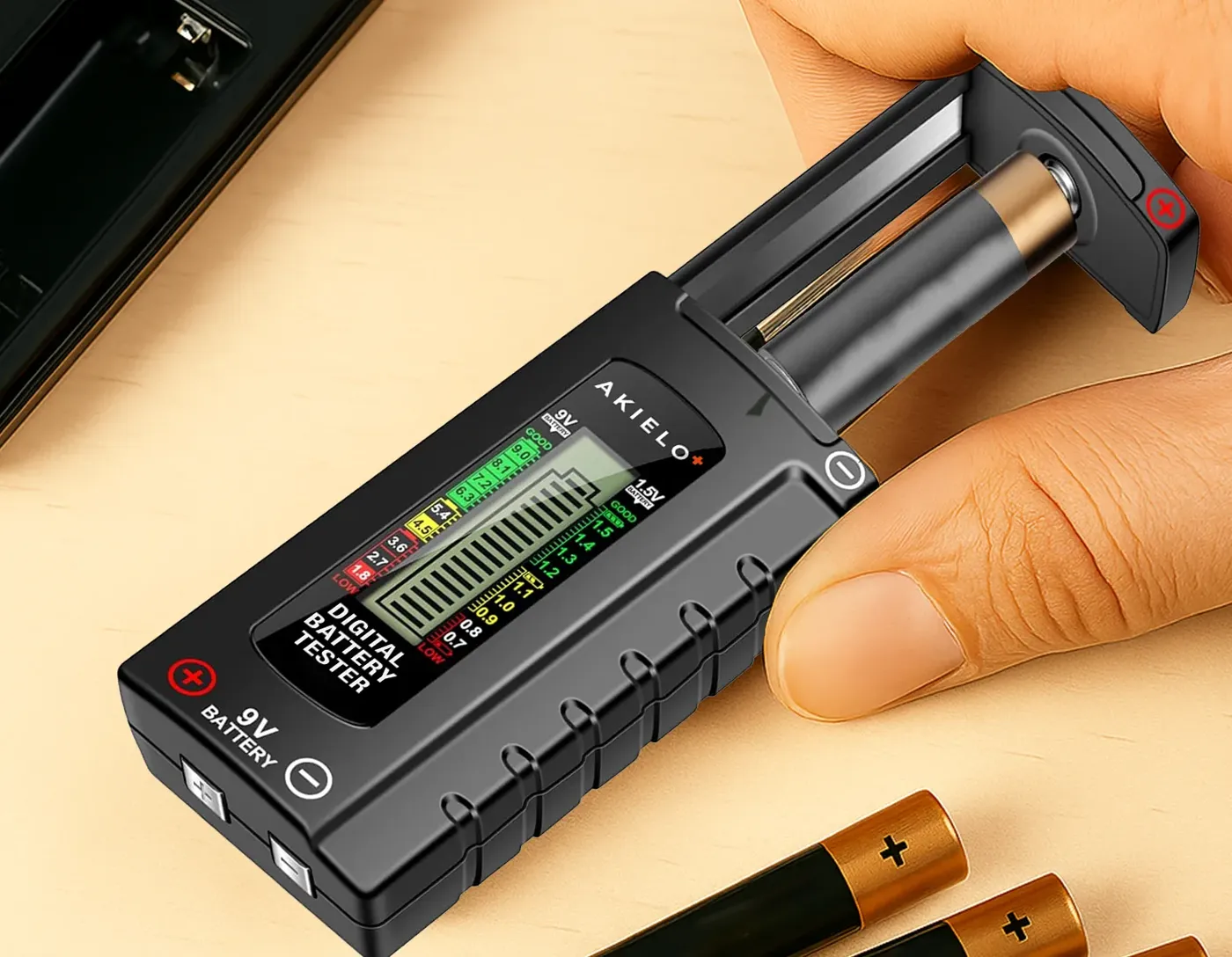
What should the reading be?
| Battery | Good | Weak | Replace |
|---|---|---|---|
| AA, AAA, C and D (1.5V) | 1.4V and above | 1.2V to 1.3V | Below 1.2V |
| 9V | 8.5V and above | 7V to 8.4V | Below 7V |
| 1.5V button cells | 1.4V and above | 1.2V to 1.3V | Below 1.2V |
A rough guide for standard alkaline batteries. Devices that need more power, such as cameras, may struggle with a weak battery sooner.
Can you tell without a tester?
- Multimeter: set it to DC volts and touch the probes to each end. Use the table above to read the result.
- Swap test: try the battery in a device you know works, such as a remote control.
- Drop test: a dead alkaline battery often bounces when dropped flat end down, while a fresh one lands with a thud. It is a rough sign only and does not tell you how much charge is left.
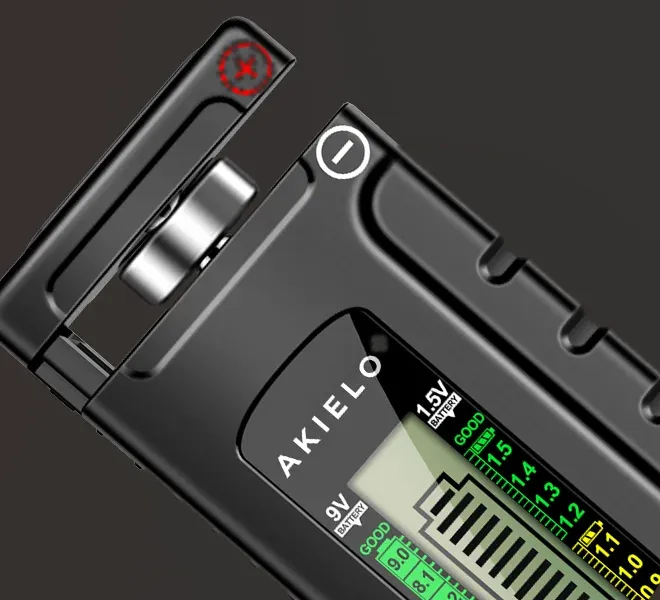
Digital Battery Tester
Tests AA, AAA, C, D, 9V, and 1.5V button cells, with a colour coded display. Needs no battery of its own.
Written by the AKIELO team, makers of everyday carry since 2017.